Built into Outlook
No extra software and no separate portal. Staff choose Encrypt and write the email as normal.
Send reports, medical records and Regulation 44 documents securely from Outlook, with one button and no third-party portal to log in to.
Children's homes send sensitive information every day: reports to social workers, documents to local authorities, medical information and Regulation 44 paperwork. Local authorities expect it to arrive securely, and the responsibility for sending it securely sits with the home.
Many encryption products make staff log in to a separate portal, with another password, and sometimes need the recipient to use the same product. We use the encryption built into Microsoft 365 instead, so staff send a secure email from Outlook on their computer or phone, the same way they send any other email.
No extra software and no separate portal. Staff choose Encrypt and write the email as normal.
Secure emails can be sent from Outlook on a computer or a mobile phone.
Sensitive information about young people travels encrypted, as local authorities require.
Attachments and message content are protected in transit, reducing the risk of interception and identity fraud.
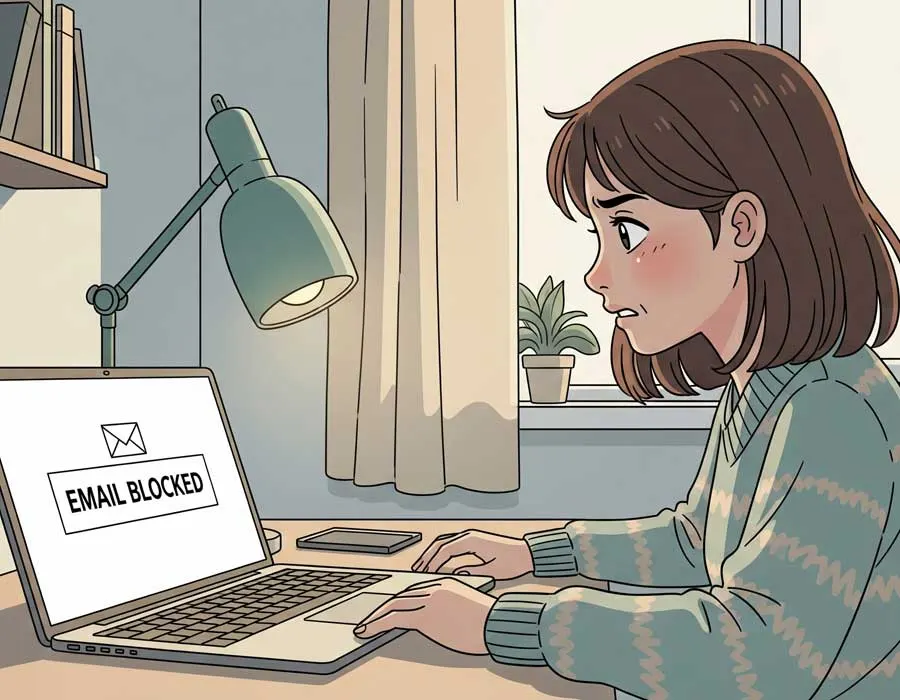
When a social worker or local authority receives an encrypted email, they are told they have a secure message. They confirm who they are with a one-time passcode sent to their email address, and can then read the message and its attachments. Nothing needs installing on their side.
Some local authorities use their own secure email products, such as Egress. Microsoft 365 encryption works alongside them, so your staff can send securely to any recipient.
If your homes already use Microsoft 365, we check your licences, switch encryption on, set the rules, and show staff how to use it. If you are not on Microsoft 365 yet, we can move you; as a Microsoft Solutions Partner, it is everyday work for us. See Microsoft 365 and email.
No. They confirm their identity with a one-time passcode sent to their email, then read the message in their browser.
Yes, from the Outlook app on iPhone and Android.
Tell us how many homes and devices you have, and we will come back with a fixed monthly price.
See also
Web filtering and monitoring for children's homes, set for each young person and ready for Ofsted. UKSIC-listed. £15 per home a month on con
Safeguarding Wi-Fi for UK children's homes: a filtered network for each young person, UKSIC-listed filtering, IWF and Home Office blocking,
Children's home software for recording and management in residential childcare: daily logs, safeguarding, Reg 44, Ofsted access, risks and r