Encryption
So a lost laptop or phone is lost hardware, not a data breach.
Most company data is now reached through laptops, phones and tablets rather than an office server. Securing those devices is one of the cheapest and most effective ways to protect it.
Files live in SharePoint, Teams or Dropbox, and staff reach them from whatever device is to hand. That means the security of each device, and of the software running on it, matters as much as the security of the data itself.
Most of the measures below cost little or nothing. They are settings and policies rather than expensive equipment.
So a lost laptop or phone is lost hardware, not a data breach.
Use an authenticator app; SMS codes can be intercepted by SIM-swapping.
Long, unique passwords for every account, without anyone having to remember them.
Control apps, websites and settings on company phones, and wipe them if lost. Around £4 a device a month.
Finance data for finance staff and directors, not everyone.
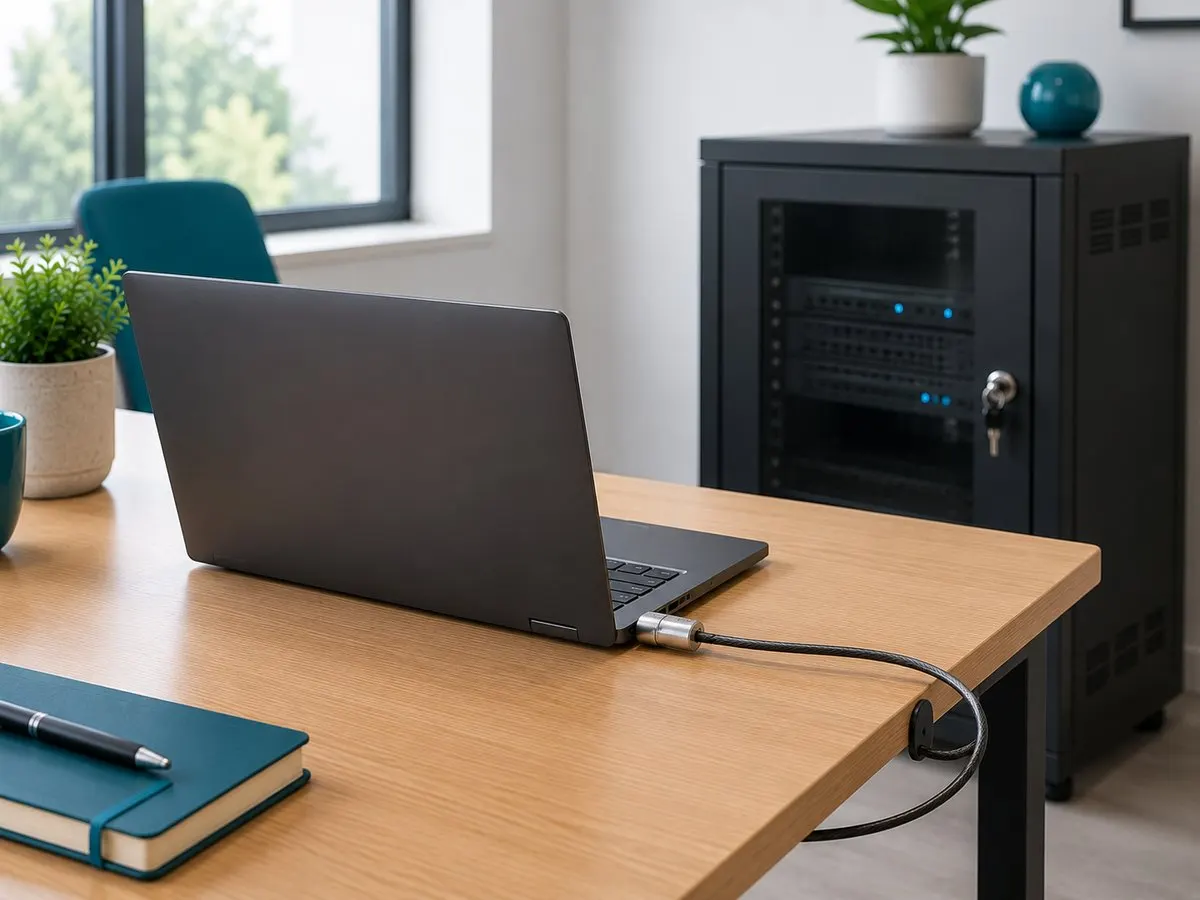
Locks, secure storage and an up-to-date record of every device.
The UK's National Cyber Security Centre recommends long passwords, such as three random words, and a different password for every account. Forcing staff to change passwords every few months is no longer recommended, because it leads to weaker, predictable passwords; change one when there is a reason to think it has been exposed. A business password manager makes unique passwords practical for everyone.
Two-factor authentication (2FA) adds a second check after the password. Use an authenticator app such as Microsoft Authenticator rather than text messages, which can be intercepted. Any online service that holds business data should offer 2FA; if it does not, think hard before using it.
Most modern laptops and phones include encryption. It needs to be switched on and managed, with the recovery keys stored safely. If an encrypted, password-protected device is lost, the risk to the data is usually low, which matters when deciding whether a loss must be reported to the ICO.
Not on a fixed schedule. Current NCSC advice is long, unique passwords, a password manager and two-factor authentication, with a change when a password may have been exposed.
It is better than nothing, but an authenticator app is safer because text messages can be intercepted through SIM-swapping.
We put these controls in place for small and medium businesses, and keep them there. Tell us how your business works.
See also
What UK GDPR and the Data Protection Act 2018 require of a small business, what the fines are, and the practical steps that protect client d
Role-based access control for small businesses: staff see only the data their job needs. Meets UK GDPR and Cyber Essentials access control r
How to classify business data as public, internal, confidential or restricted, and protect each level properly to meet UK GDPR and Cyber Ess